 English
  中文 (中国)
App: Voicemod
How to connect on Stream Control
1. Simply open the Voicemod app — no setup is required.
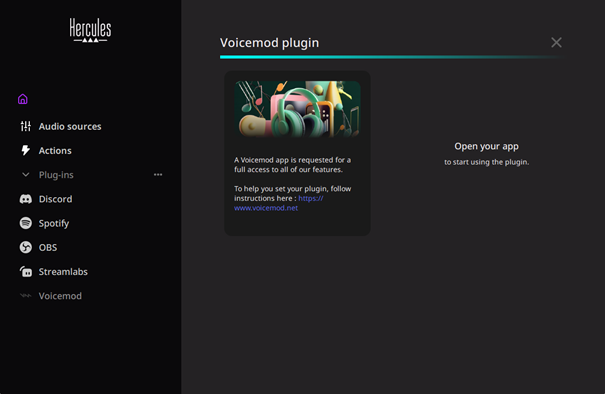
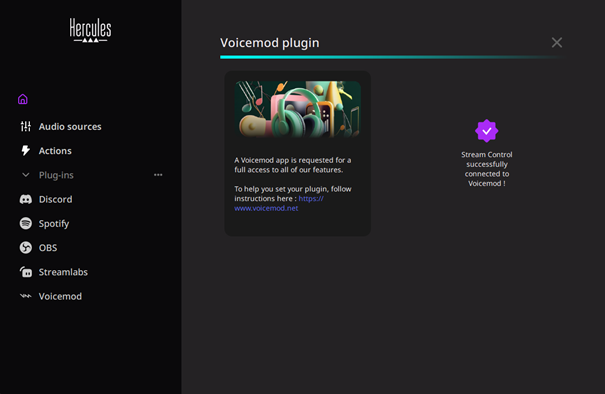
2. Once Voicemod is open, the purple icon confirms the connection.
Voicemod features available on Stream Control
Once Stream control is successfully connected to Voicemod, you will be able to:
- Use Voices
- Play Sounds
- Voice Changer ON/OFF
- Hear Myself ON/OFF