 English
  中文 (中国)
Product: DJControl Inpulse T7
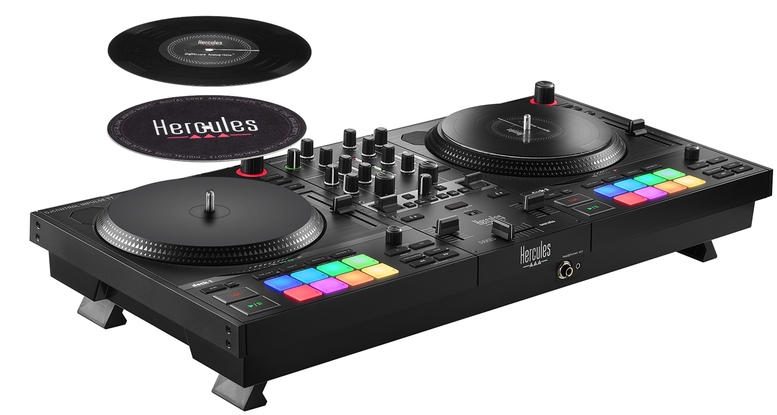
This guide provides step-by-step instructions to calibrate the faders on the DJControl Inpulse T7, ensuring optimal accuracy and reliable performance.
Calibration Steps:
Step 0: Preliminary Operations
Disconnect all audio devices: speakers, headphones, microphone.
Unplug the USB Type-B connector from the back of the DJControl Inpulse T7.
Plug the USB Type-A connector into a powered USB port (computer or USB power supply).
Set all faders to their minimum position (left or bottom).
Close any DJ software currently running on your computer.
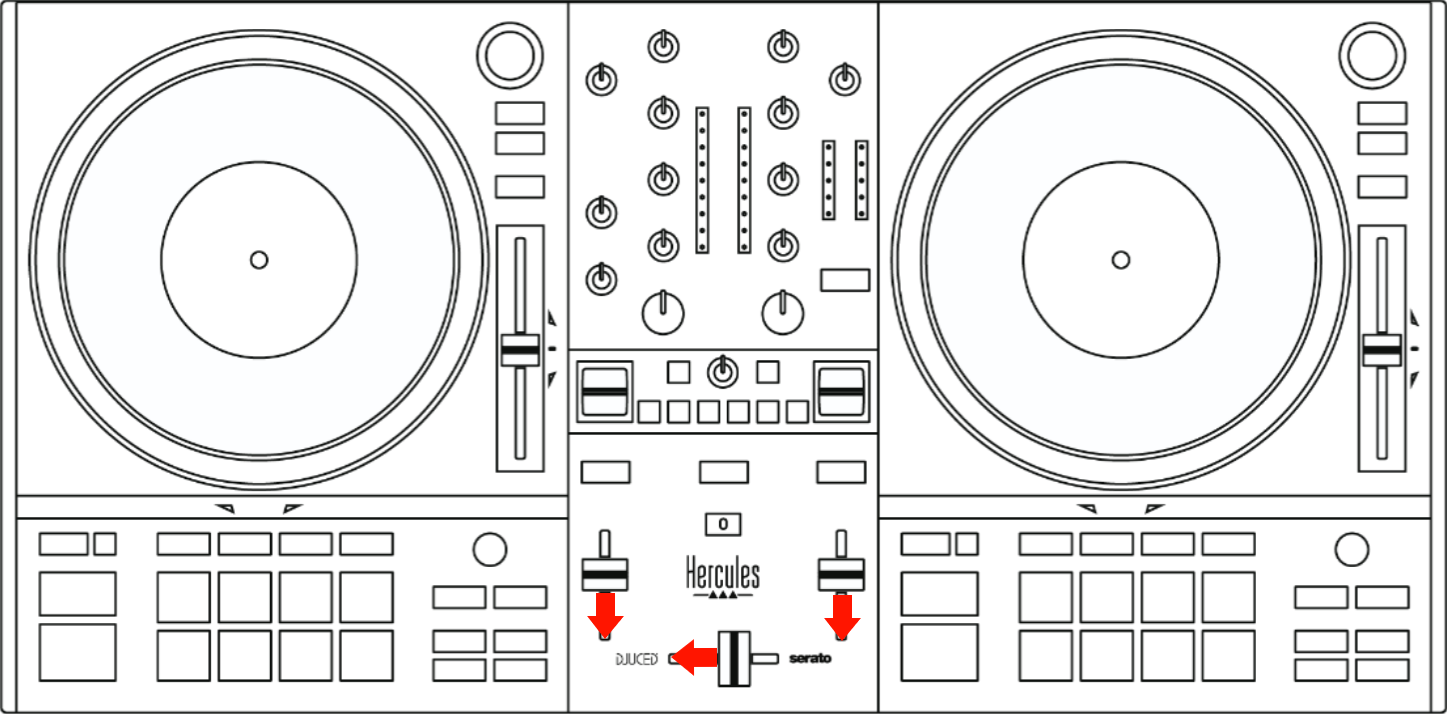
Step 1: Enable Calibration Mode
On Deck 2, press and hold BACK and RANGE.

While holding both buttons:
Plug the USB cable into the DJControl Inpulse T7.
Press the POWER button.
Keep holding both buttons for 10 seconds, then release them.
LED indicators:
Buttons 1 and 2 on the FX1 panel light up.
The BeatMatch Guide button starts blinking.

= Calibration mode is now enabled.
Step 2: Set All Faders to the Center Position
Move all faders to their center position.
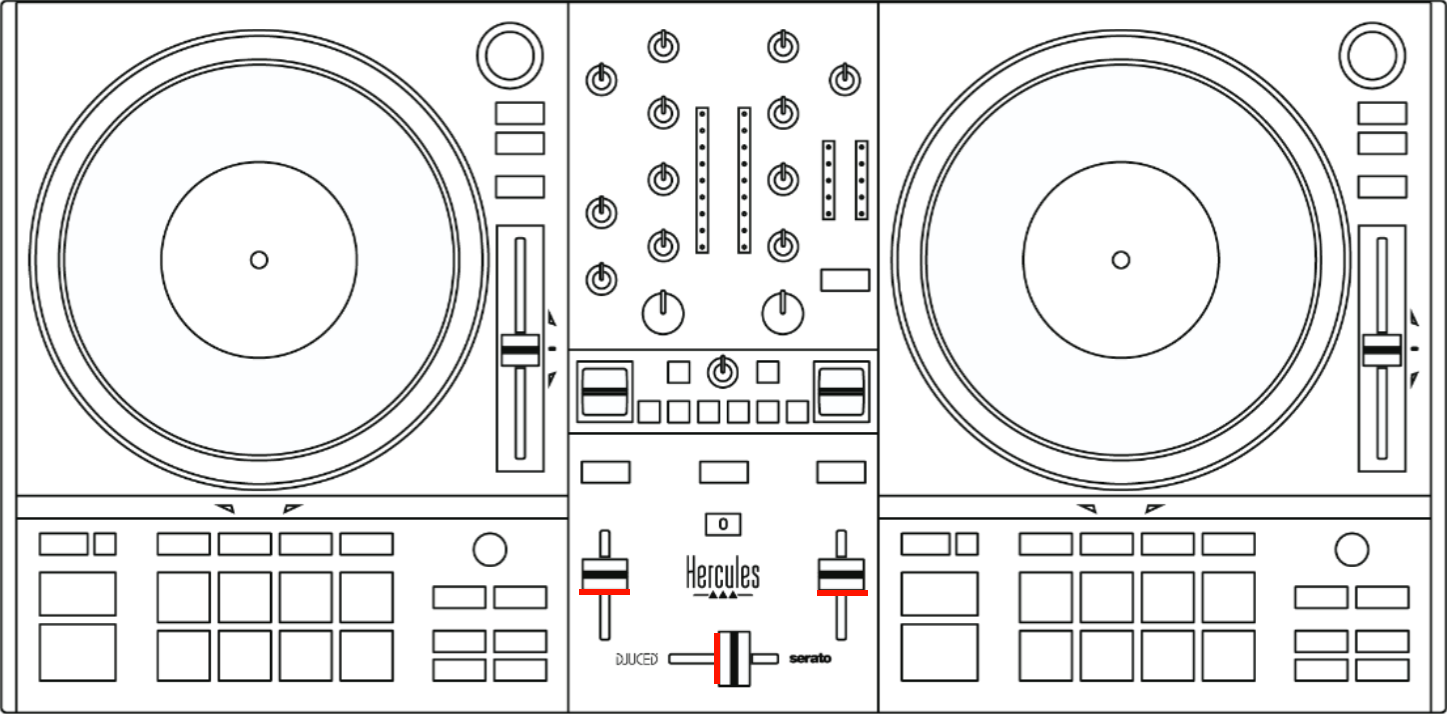
Press the BeatMatch Guide button once.
Expected result: Buttons 1, 2, and 3 on the FX1 panel and button 1 on the FX2 panel light up.

Step 3: Full-Range Calibration
Move the crossfader fully to the left, then fully to the right.
Move the volume faders all the way down, then all the way up.
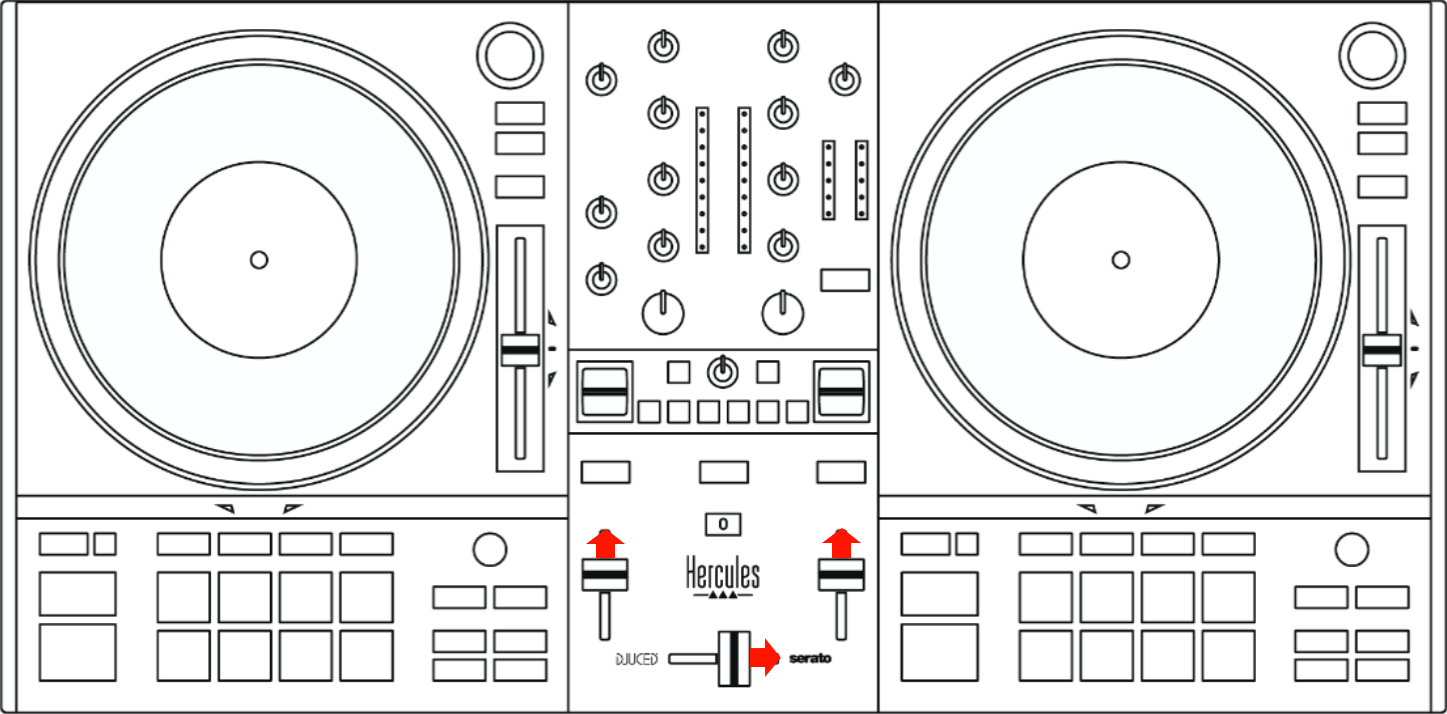
Press the BeatMatch Guide button.
Expected result: Buttons 1, 2, and 3 on the FX1 panel and buttons 1 and 2 on the FX2 panel light up.

If not: Calibration failed. Restart from Step 0.
If yes: Calibration completed successfully.
Disconnect the DJControl Inpulse T7 and reconnect it.
Calibration is complete.